

I was really stuck then, after the CSS phase. It had been 2-3 days and I still couldn’t finish the CSS. It looked hopeless because I didn’t understand how the Homepage components worked at all. So that day I vented to qvtek and asked how to do it. That night he sent me his CSS file, services, and his full settings. I’m truly grateful!
Thanks to that file I could continue. He also included some envs (keys removed), which I thought… for anyone who wants them, here
Pay special attention to the Setting, Services, CSS files
Setting File
Based on this file I could tweak the layouts to be more reasonable
  System Monitoring:
    tab: Application
    style: row
    columns: 4
    header: false
The main thing is the columns section. Now I can set how many services appear in one row like I want.
Services File
- System Monitoring:
    - Proxmox PVE:
        icon: si-proxmox-#FFFFFF
        href: https://pve.{{HOMEPAGE_VAR_DOMAIN}}
        description: Virtual Environment Hypervisor
        #ping: https://{{HOMEPAGE_VAR_LOCAL_IP_PVE}}:8006
        #showStats: true
        widget:
          type: proxmox
          url: https://{{HOMEPAGE_VAR_LOCAL_IP_PVE}}:8006
          username: {{HOMEPAGE_VAR_PROXMOX1_USER}}
          password: {{HOMEPAGE_VAR_PROXMOX1_API_KEY}}
          fields: ["vms", "lxc"]
This file contains mostly sample services that qvtek uses on his site
You can understand most of it by reading the docs
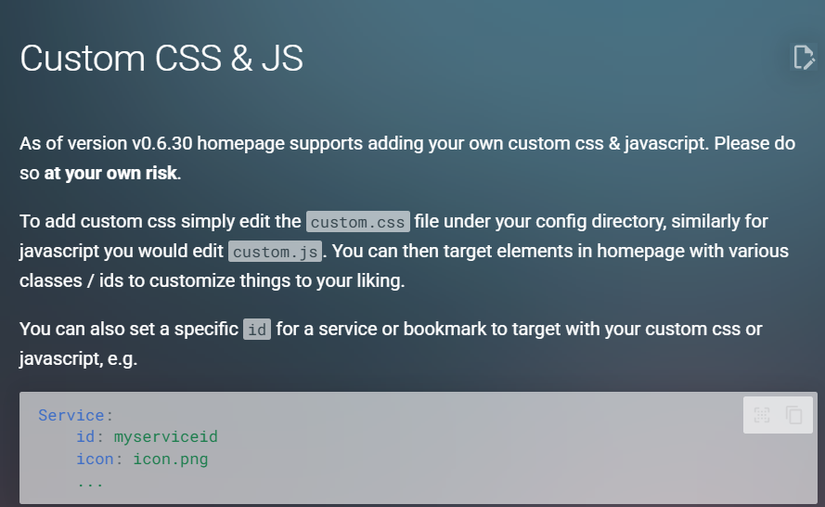
CSS, JS Files
Honestly, thanks to these two files I later managed to finish the site and customize it much more. As for the document, I just can’t; it looks empty. Probably my skill isn’t there yet =))
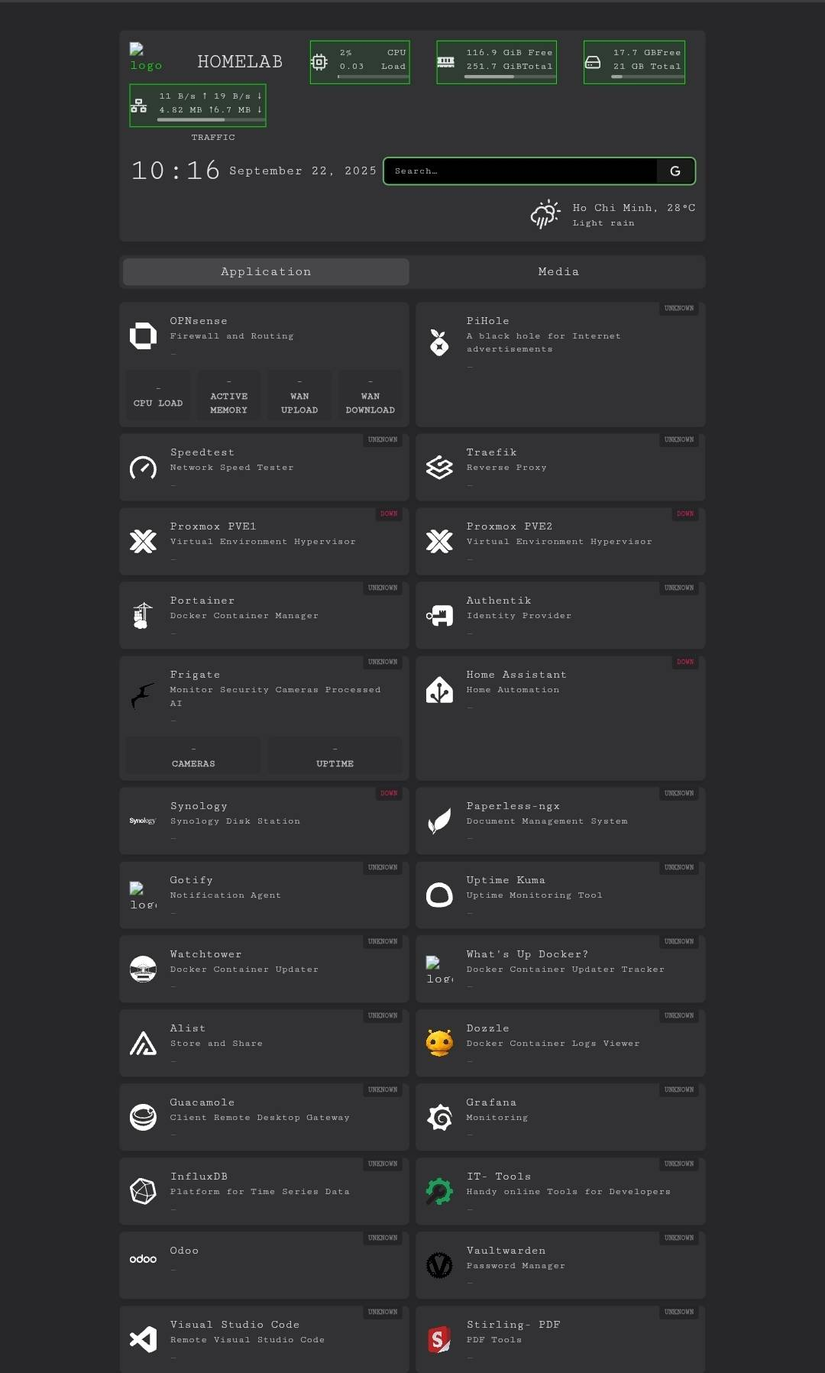
Result
Good luck!


Comments
Join the conversation
Leave a comment
No comments yet
Be the first to share your thoughts!