

I tried searching around on Google. If you just search Guacamole you only get food. But searching how to install guacamole brings up Mr. Thuận Bùi’s website. Looks like the road he took left a huge path for me. I really respect him for always inspiring me.
This post is about it too, but the way I installed it via LXC PVE Script Helper
Install Apache Guacamole
bash -c "$(curl -fsSL https://raw.githubusercontent.com/community-scripts/ProxmoxVE/main/ct/apache-guacamole.sh)"
Copy this into the PVE shell and you’re done.
Notes and configuration
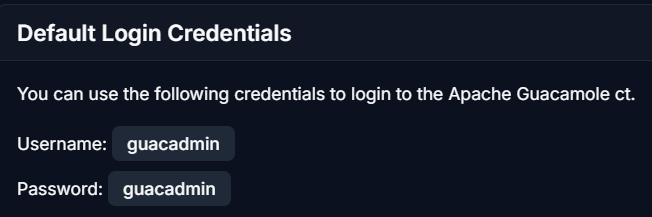
The default Admin account and password are like this
One small note: don’t wonder why you see Tomcat at first
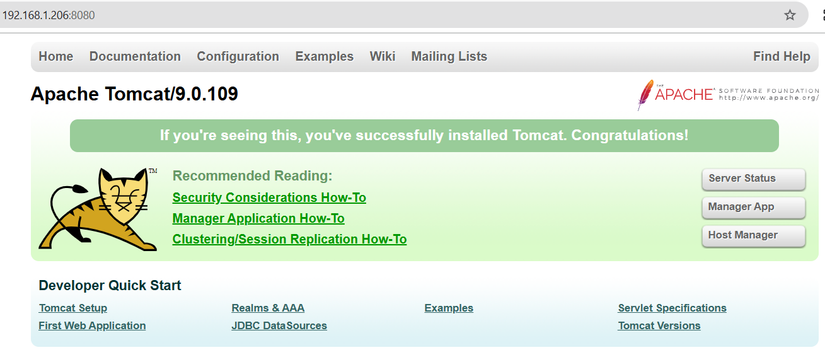
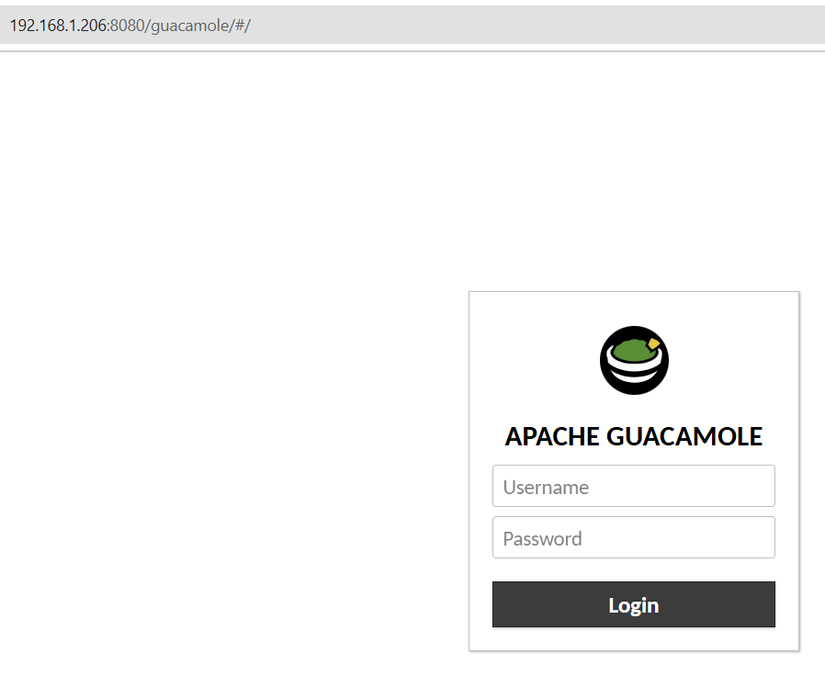
Because you need to add /guacamole to get into the guacamole dashboard
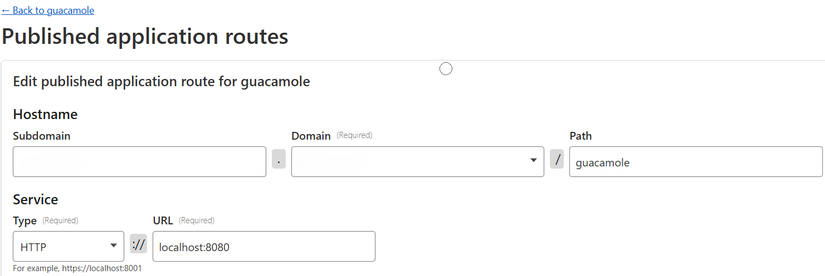
So when setting up Cloudflared, you also need the Path to include /guacamole
For changing the password and so on, please read section III on Mr. Thuận Bùi’s post, I’m too lazy to copy it again.
That’s it.



Comments
Join the conversation
Leave a comment
No comments yet
Be the first to share your thoughts!