

Installing and configuring Uptime Kuma
Still using the VE Helper Script. Paste into PVE Shell and just enter enter enter yes yes yes.
Originally I planned to install Uptime Kuma, but it felt a bit annoying. So why not use something I’m more familiar with: Prometheus Alertmanager. There’s also Grafana Alert, but I tried it and the Grafana buttons are genuinely confusing. At minimum you need some time to learn it properly.
So I went with Prometheus Alertmanager for convenience. In the end the config was a mess, so I switched to Uptime Kuma to keep it simple.
Problems and solutions
Forgot Uptime Kuma password
Last night I accessed Uptime Kuma on my phone and did some basic setup, and now I forgot the password. Instead of digging into SQL to see the hash, I decided to just delete the LXC and reinstall.
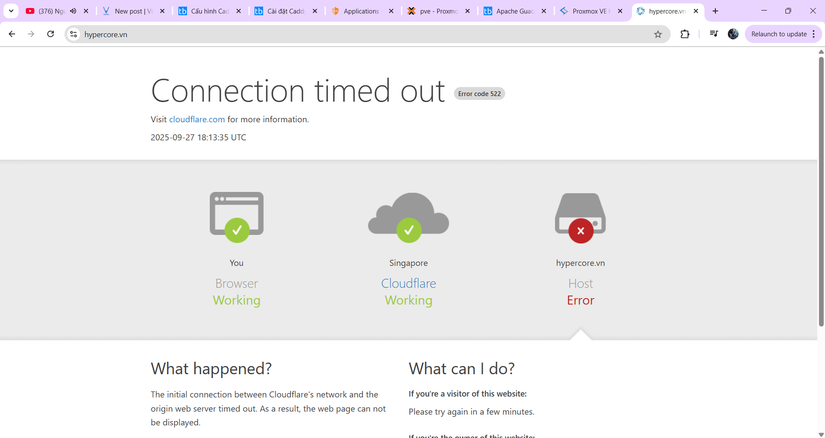
Oh and at 1am, for the first time my favorite VPS provider went down. No wonder Grafana spammed a bunch of alerts. Sorry for blaming you earlier, and I even deleted Grafana Alert though it did nothing wrong.
Configuring Uptime Kuma
Setting up Uptime Kuma is quite annoying, it’s similar to Ping in Gethomepage. Even though there’s JSON import, I don’t know what I did but the exported JSON file wasn’t accepted. I’m just doomed. So I did manual setup as a temporary solution. If it were 100 monitors I’d die doing it manually.
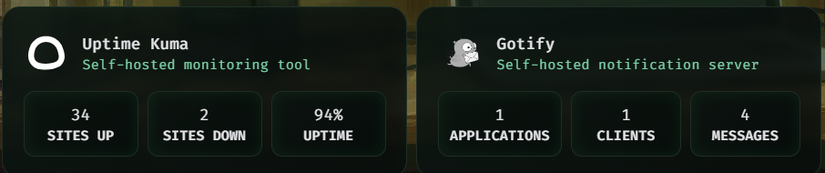
So I did it by hand, wrote a bit of code based on the template. After about an hour, it was done. Then put it into Gethomepage, which is simple enough — just read the docs.
Result:



Comments
Join the conversation
Leave a comment
No comments yet
Be the first to share your thoughts!