

Opening the series: I’m building my homelab solo.
1. What is Proxmox?
Proxmox VE (Proxmox Virtual Environment), often just called Proxmox, is an open-source virtual machine management platform built on Debian.
Its biggest strength is parallel management of:
- KVM (hardware virtualization)
- LXC (OS-level virtualization)
Everything is managed through a clean Web-based interface.
Some standout features:
- 🖥 Virtualization: KVM + LXC
- ⚙️ Management: Web UI, CLI, REST API
- 🔗 HA Cluster: group multiple nodes for high availability
- 🌐 Network: create up to 4094 network bridges
- 💾 Storage: supports LVM, ZFS, CephFS, SMB/CIFS, NFS,…
- 📦 Backup: backup and restore VMs
- 🔥 Firewall: built-in firewall
Proxmox is completely free (GPL license). If you need official support, you can buy a Subscription from €295/year.
2. Installation process
That USB used to be for Debian 13. Now it’s sacrificed for Proxmox. Farewell, my dude.
I followed this tutorial by Thuận Bùi:
👉 Install Proxmox VE – Thuận Bùi
I thought it would be one-shot, done, but nope… errors everywhere. So I had to sit down and untangle them.
3. Issues during installation
Issue 1: Motherboard won’t boot from Rufus
- Tried Legacy, UEFI, dual boot… still no boot.
- Then I tried Ventoy → finally got into the boot menu.
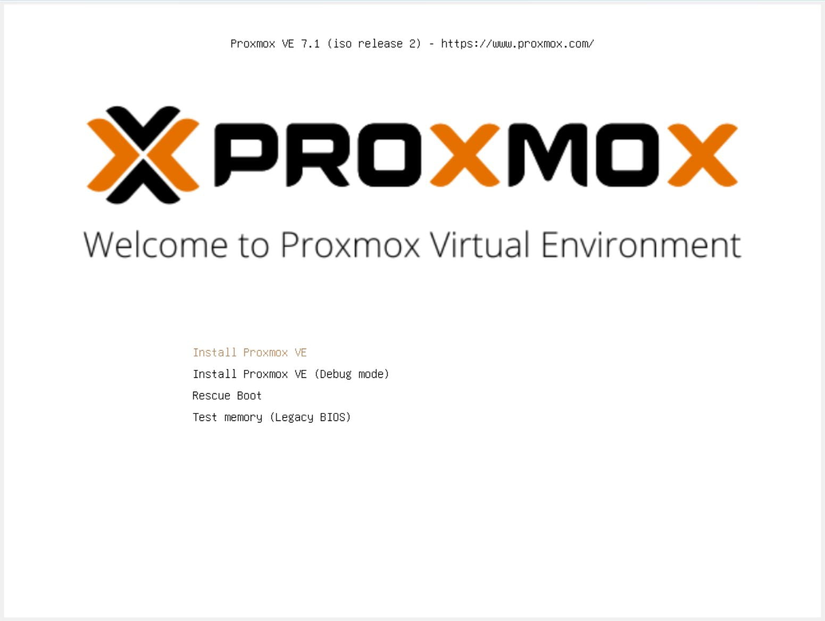
30 chưa phải là Tết. Ventoy cũng thế. I had to listen for the motherboard beeps, then smash Del non-stop, only to realize I forgot to switch back to UEFI.
Issue 2: Nvidia card causes a crash
- When booting from Ventoy, I had to tweak the config and disable the Nvidia driver in the boot options.
- After that, the install was stable.
Issue 3: Wrong Gateway config
- At first I planned a separate network for Proxmox: 192.168.111.2 with gateway 192.168.111.1 for easy management.
- But my router gateway was actually 192.168.1.1. I do have another router in bridge mode, but I was too lazy to keep moving around after an hour of setup. So I consolidated: Proxmox at 192.168.1.200 and gateway 192.168.1.1.
- The fix was simple: open
interfaceswith nano and edit. - Probably won’t run more than 50 services anyway. So 200 → 254 should be enough.
- Even after fixing it, the legacy 192.168.111.2 still pops up every time I open Proxmox =))
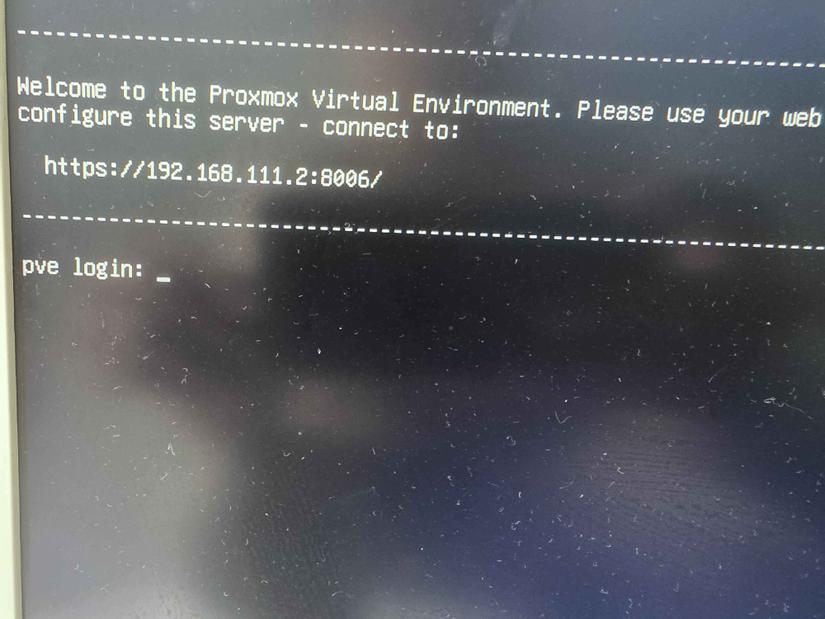
4. Result
And that’s it. Proxmox is installed.
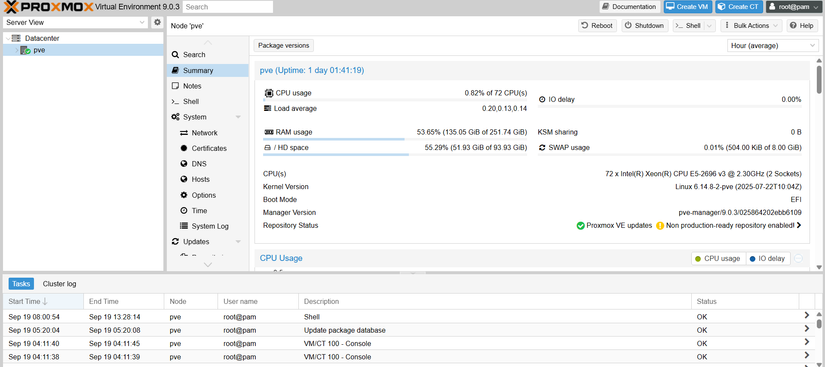
Unexpected bonus: I discovered Ventoy. From now on, just throw ISOs in there and reuse them.
5. Summary
- Old motherboard → Rufus won’t boot
- Switch to Ventoy → boot menu appears
- Nvidia driver crash → add
nomodeset - Installed → Legacy boot can’t see it
- Rebooted 4–5 times 🤯
- Switched to UEFI boot → Proxmox loads 🎉
- Proxmox subnet mismatch (not in
192.168.111.0/24) - Checked router → found wrong Gateway on Proxmox → no network
- Router gateway:
192.168.1.1 - Proxmox IP:
192.168.1.200
- Router gateway:
- Done ✅
Anyway, when checking the router password I had to climb up to the ceiling twice just to see it, because the first photo came out super blurry.




Comments
Join the conversation
Leave a comment
No comments yet
Be the first to share your thoughts!