

I’ll walk you through how to set up Gethomepage.dev, a tool that inspired me a lot while doing this series. Since I couldn’t find a guide for this setup, I’m writing down my entire process to help future readers and to keep notes for myself.
1. What is Gethomepage.dev?
Gethomepage.dev is a modern app dashboard—fully static, fast, secure, fully proxied, and highly customizable, with integrations for 100+ services and multiple languages. You can configure it easily via YAML files or by detecting Docker labels.
In short, it’s what the site qvtek uses, and it heavily inspired me while building this series.
2. Start the installation
Go to “Create CT”:

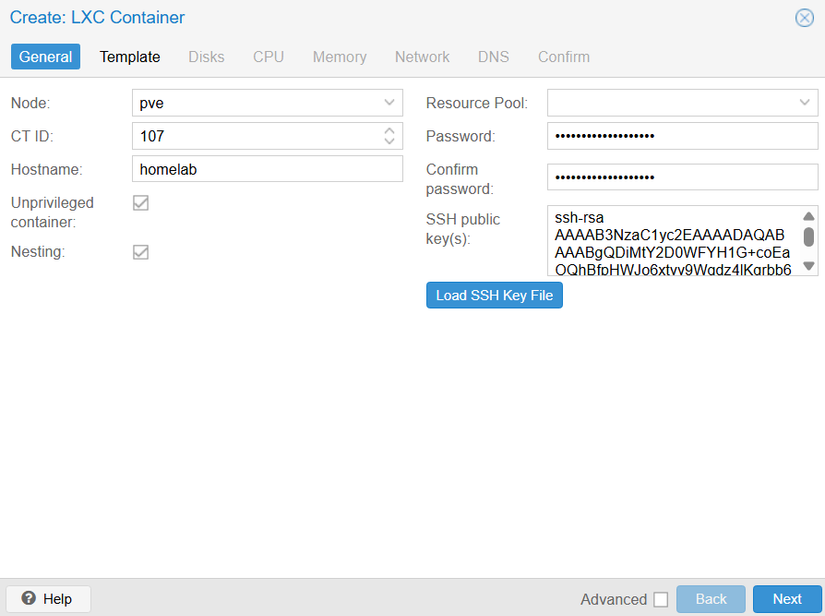
Set the parameters as shown:
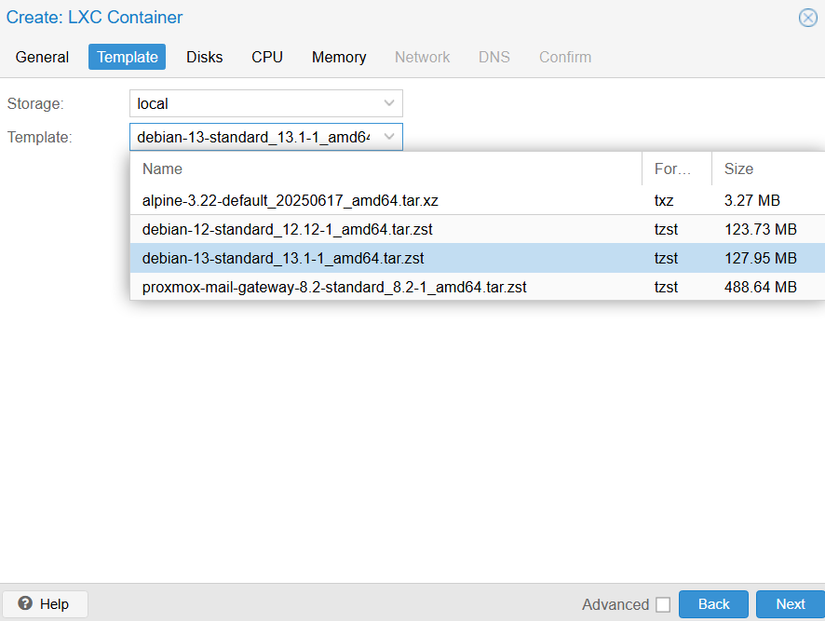
Select an LXC Container; I used Debian 13:
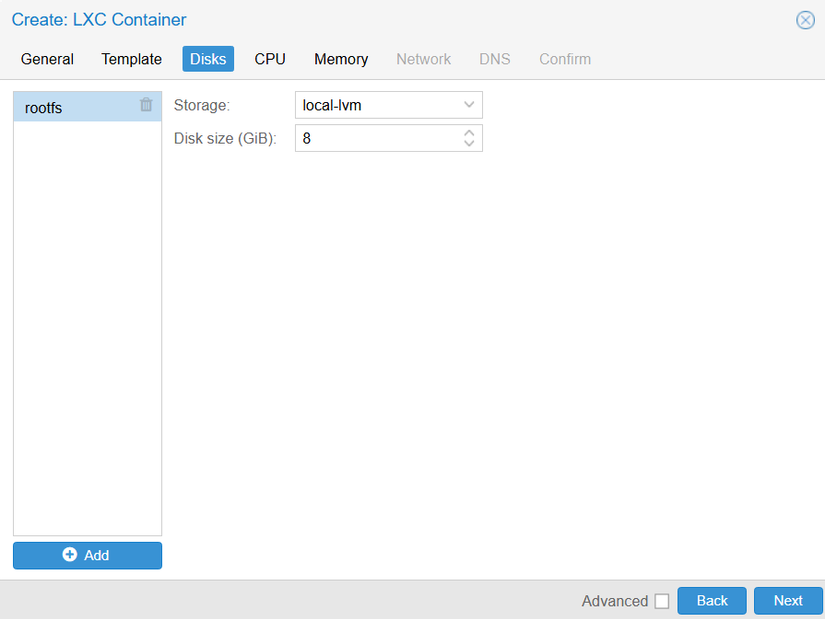
Disksize stays default here:
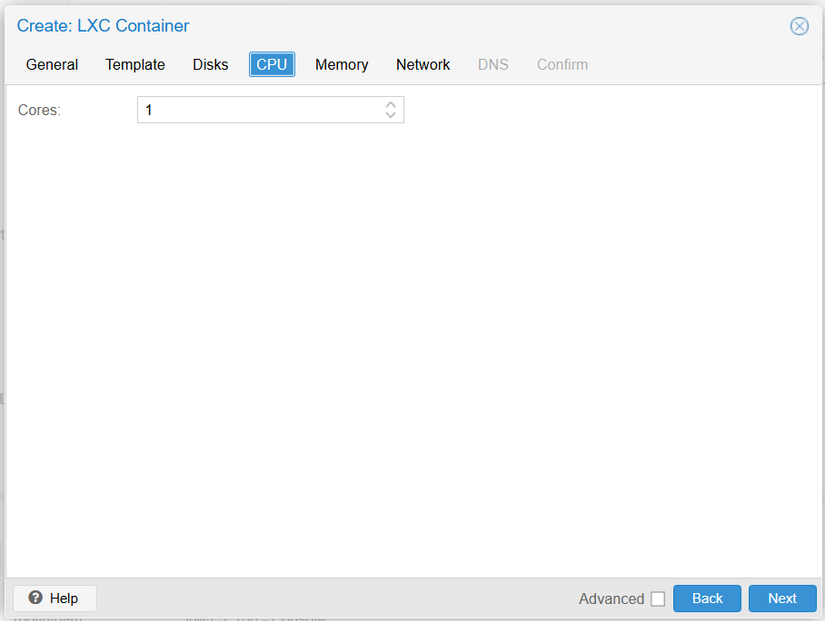
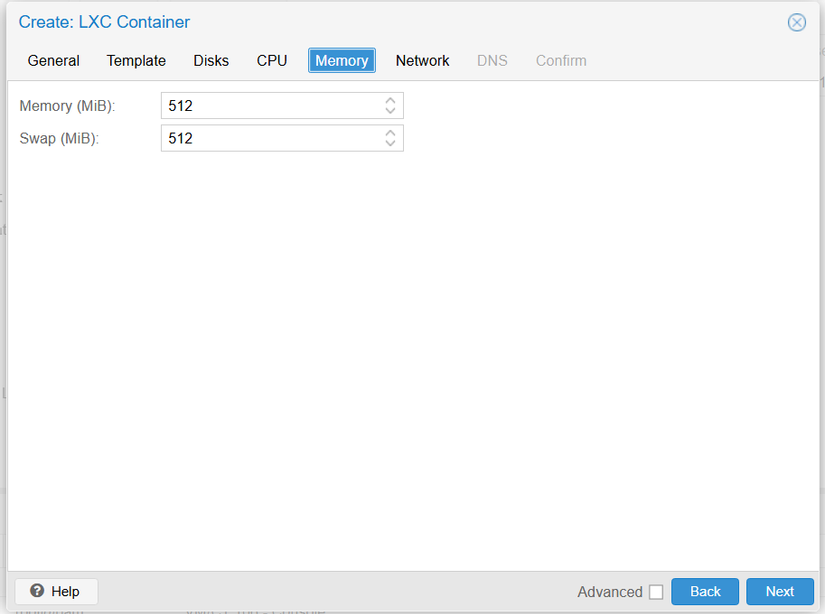
Set Core memory:
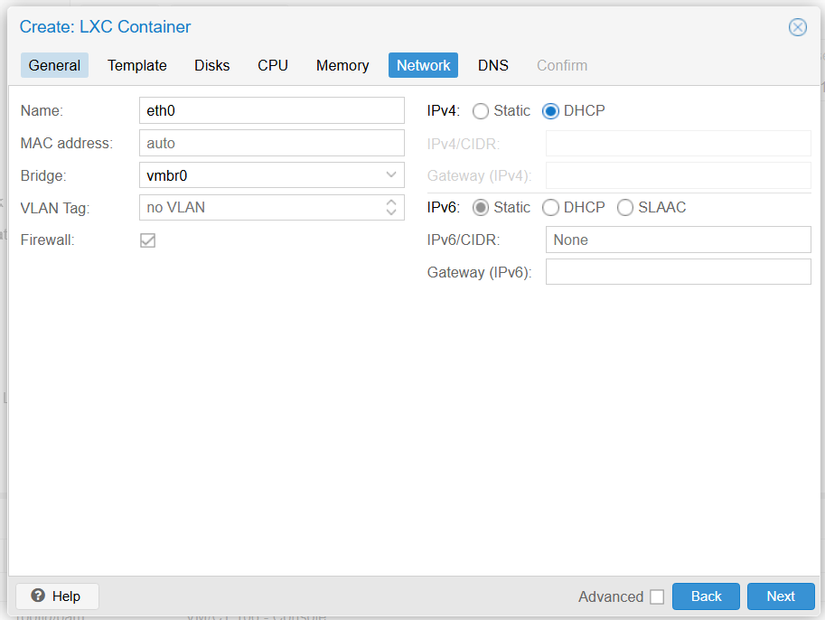
Keep this config as-is; you can change static network if you want:
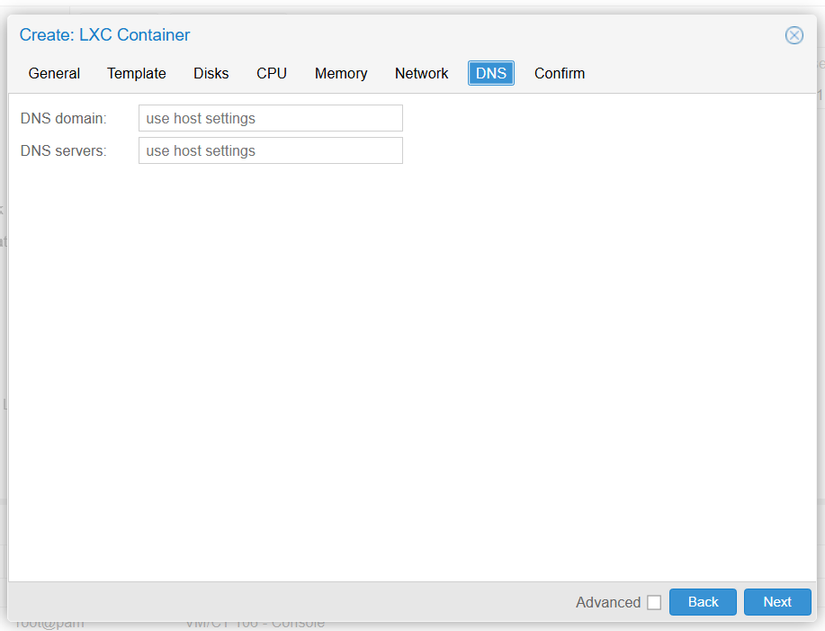
Leave everything here as default:
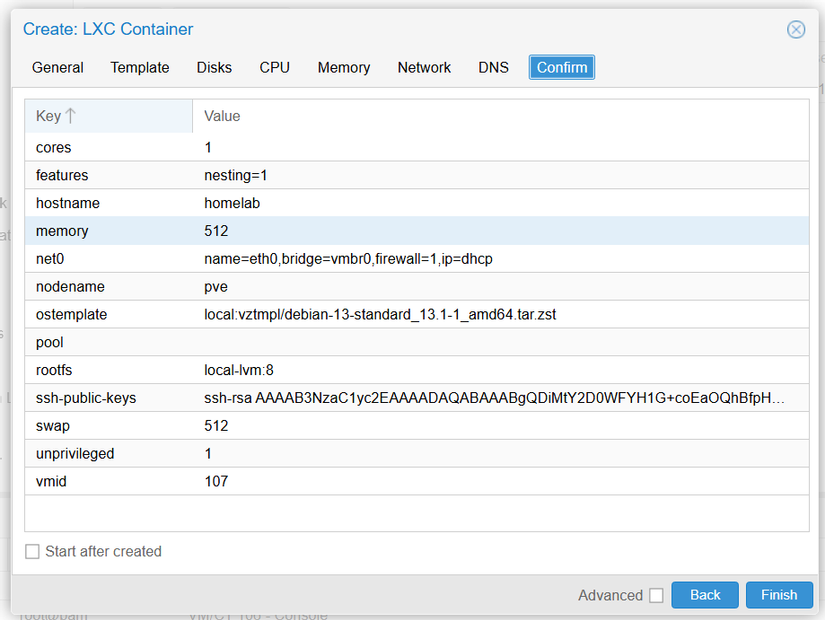
At this point, just hit Finish:
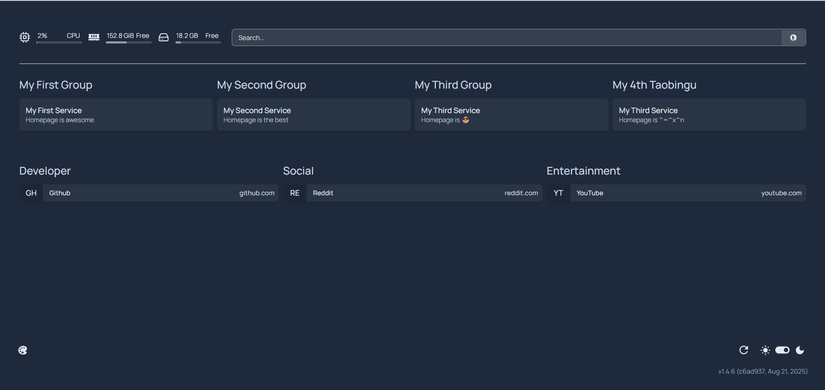
3. Result



Comments
Join the conversation
Leave a comment
No comments yet
Be the first to share your thoughts!