

Last time I failed to do HTTPS Self Sign → HTTPS Cloudflared, gave up and told myself “when I’m free, I’ll deal with it,” but I wasn’t free and it already became urgent. So I guess I had to use some reverse proxy services. SSL, all that stuff, and after deciding to buy one I looked at the prices and woke up from the dream.
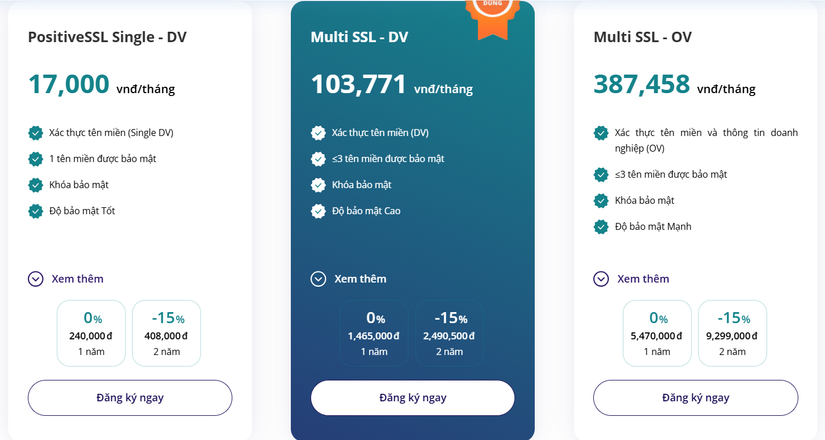
About 200k for SSL with just one domain, and wildcard subdomain support costs ~10x more. No way. I already pay small amounts for domains, 80k/year. Where do I get money for this luxury? Even .com domains are 350k, I only pay when I’m ready for mail server stuff.
So I looked for other ways. ACME, registration, Let’sEncrypt, etc. But setup looks messy. At minimum I’d need an internal DNS. I’m avoiding that for now. So I kept searching and landed on Cloudflare Origin Server.
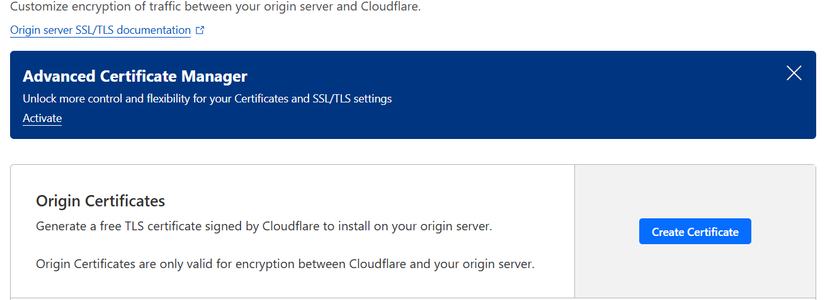
Set up SSL with Cloudflare Origin Server
Creating a certificate is simple.
First go to:
cd /etc/pve/local/
Backup the two files pve-ssl.key and pve-ssl.pem.
Then paste the two new Cloudflare Origin Server keys you created.
Restart pveproxy service:
systemctl restart pveproxy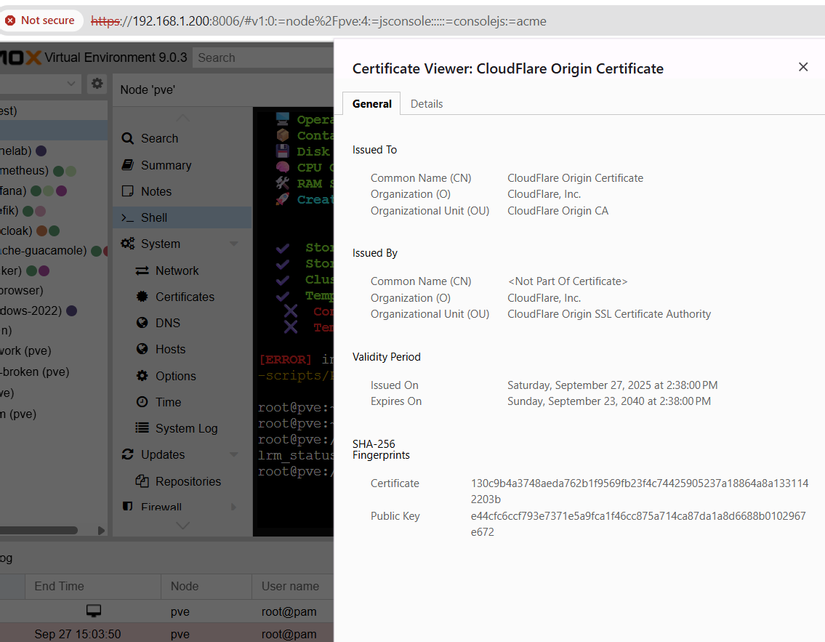
So now you basically have a 15-year Cloudflare SSL. For now I’ll just use it. If I have to scale later, I’ll probably move to Let’sEncrypt + reverse proxy, open ports, and all that stuff for full control. So many things.
ChatGPT kept telling me to edit Cloudflare config files, but there was no config file during setup? So I just let it yap.
Configure Cloudflared Tunnel
After some digging I found this reddit post and this video around minute 28 showing TLS right under the Tunnel config, exactly as mentioned earlier.
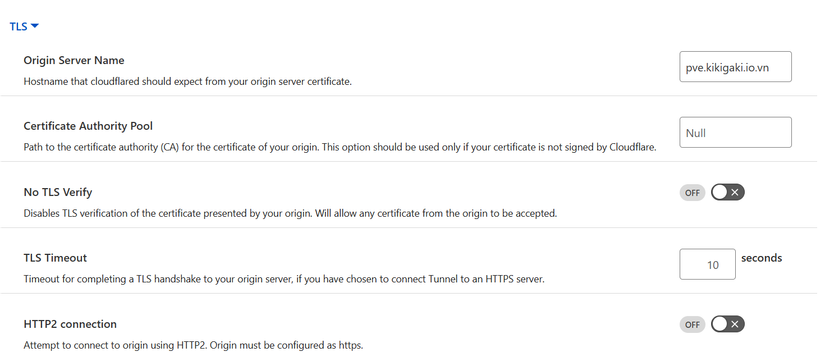
There are two options: set Origin Server or disable TLS Verify. Of course I tried to set Origin Server.
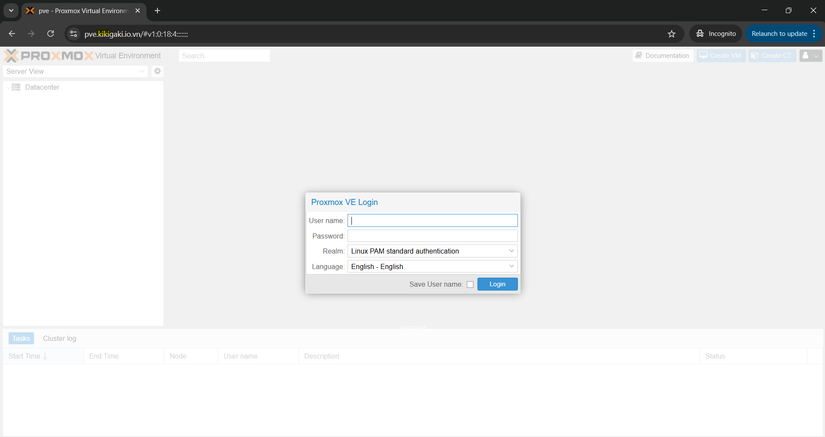
And now it works through the domain.
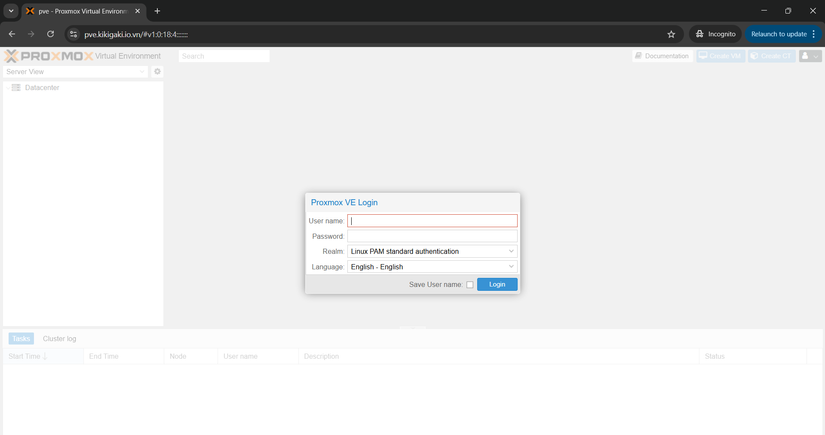
But since this domain is sensitive, I’ll add another verification layer I set up before. Add Cloudflare Access authentication layer
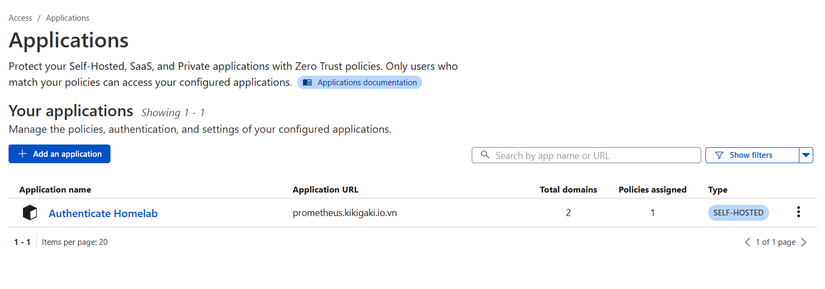
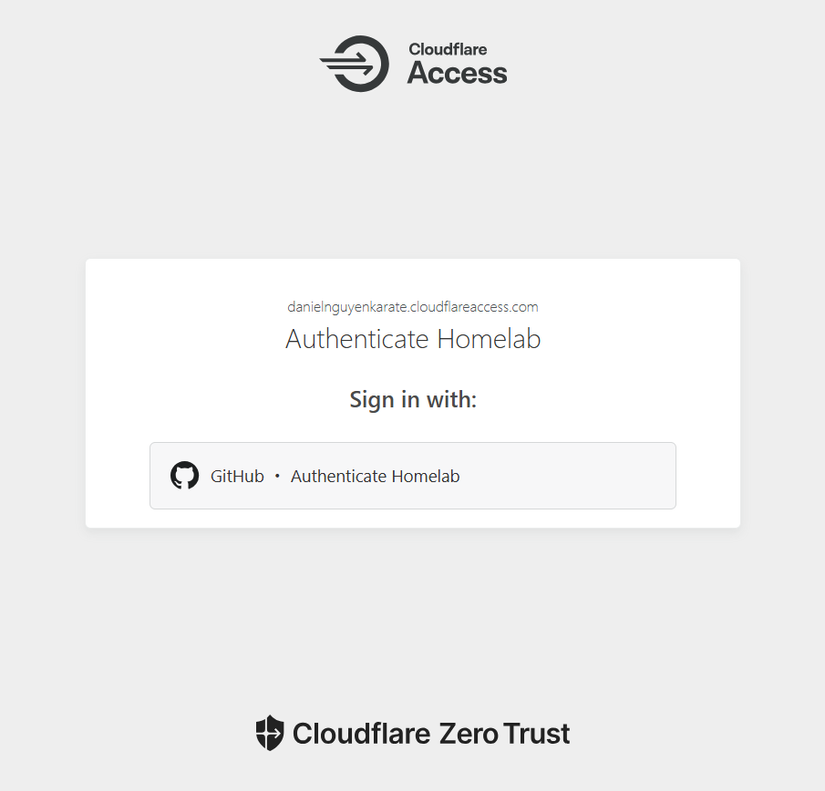
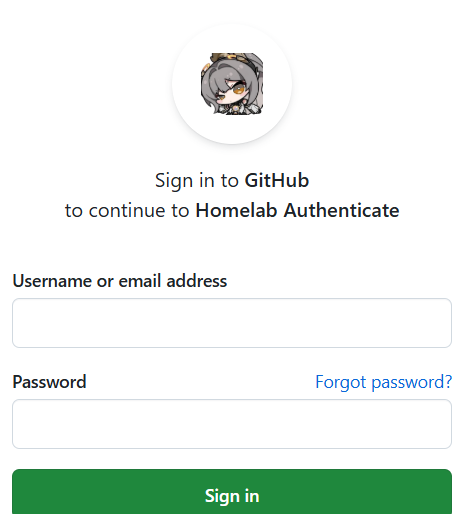
Now to access it you must log in with GitHub, and of course not all GitHub accounts are allowed.
What are you doing here?
Edit
About 1 day later someone asked about the same issue I faced.
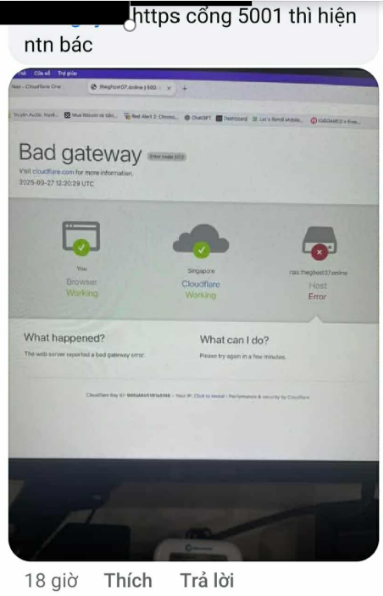
The solutions are below:
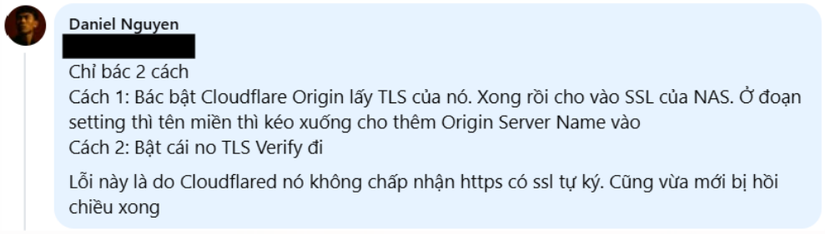
Felt useful at that time.
Edit (04/11/2025)
If you plan to create a Cluster in the future, read post #24 in this series before deploying Cloudflare Origin Server.



Comments
Join the conversation
Leave a comment
No comments yet
Be the first to share your thoughts!